 BloxNew
Create Swords
By BloxNew · Updated Nov 28, 2026 · How we check codes
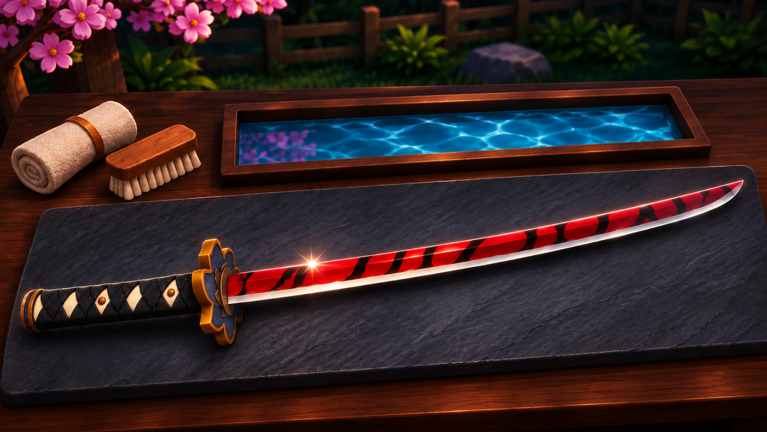
▶ Play Create Swords on Roblox Stats as of Nov 29, 1:23 AM UTC
Create Swords codes
As of Nov 29, 2026, there are 3 working Create Swords codes: THANKSGIVING (2x coins), SWORDS, 1KCCU. Every code comes from the developer's own game page, and we re-check it every 20 minutes. Older codes can stop working without notice.
| Code | Reward | Does it work? | Source | Added |
|---|---|---|---|---|
| THANKSGIVING | 2x coins | source | Nov 28, 2026 | |
| SWORDS | - | source | Nov 28, 2026 | |
| 1KCCU | - | source | Nov 28, 2026 |
Tried a code? Tap ✓ or ✗ so other players know if it still works.
Also in: Español · Português · Français · Bahasa Indonesia · ภาษาไทย
How to redeem codes in Create Swords
- Open Create Swords on Roblox.
- Look for the Codes or Settings button on the side of the screen.
- Type the code exactly as shown (codes are case-sensitive) and press Redeem.
Guide updated Nov 28, 2026 · Written with AI from the official Roblox page and checked against it automatically · How guides are made
What is Create Swords?
Create Swords is a crafting and business sim from ADEM Games where you build a sword empire from the ground up. You roll for rare metals, forge blades by hand, polish and etch them, then sell your creations to customers. The core loop is simple: gather materials, craft swords, decorate them, and earn coins and gems. What sets it apart is the mix of hands-on crafting with business strategy: you can hire workers to speed things up, take mail orders, and unlock new shop themes as you grow.
Getting started
- Roll your ore roller to get random metals and aim for rare ones.
- Heat ingots in your furnace, then use your anvil to forge a blade.
- Polish your finished sword at the Polishing Station to make it shine.
- Etch designs onto the blade to customize it (or leave it plain).
- Sell swords in your shop, fill mail orders, or deliver to customers with your cart.
- Hire workers and reinvest your coins to expand your operation.
Beginner tips
- Focus on one sword at a time until you understand the full crafting chain, then speed up once you're comfortable.
- Rolling rare metals is a core part of the game, so get familiar with the ore roller early.
- Use your shop, mail orders, and cart deliveries to sell swords in different ways.
- Hire workers as your operation grows to keep things moving.
- Check back often for letters with rewards like gems and coin boosts.
- Redeem the codes in the Codes section right when you start for a quick boost.
Game passes worth the Robux
The game can be played without passes, but several make grinding much faster. Here are the ones on sale:
- Swift Boots, 29 Robux: You walk 50% faster, cutting down travel time between stations.
- Bigger Bag, 39 Robux: Carry twice as much, so your bag holds 60 swords and ingots instead of 30.
- Auto Ore Roller, 79 Robux: Your roller pulls its lever by itself until a rarity you want lands.
- Auto Polish, 79 Robux: Swords polish themselves at the station while you watch.
- Auto Etch, 79 Robux: Etches draw themselves on your blades.
- Furnace Space, 99 Robux: Every furnace heats 2 ingots at once.
- Faster Crew, 99 Robux: Your whole crew works and walks 25% faster forever.
- Auto Anvil, 99 Robux: Your anvil strikes by itself; you just watch the blade take shape.
- Custom Etching, 129 Robux: Design your own sword etchings with stamps or freehand drawing, and save up to 3 designs.
- 2x Gems, 149 Robux: Double every gem you earn from letters, mail orders and deliveries.
- 2x Coins, 149 Robux: Double every coin from shop sales, cart deliveries and mail orders.
- VIP, 199 Robux: Unlocks every shop theme for free, a daily VIP calendar with coin boosts and gems, VIP customers twice as often, and 10% extra coins on every sword sold.
- Automation Pack, 199 Robux: Auto Ore Roller, Auto Anvil, Auto Etch and Auto Polish bundled cheaper than buying separately.
- Everything Bundle, 499 Robux: All 9 passes together for less.
Codes
- THANKSGIVING: 2x coins
- SWORDS
- 1KCCU
These codes come from the official game description.
Sources: roblox.com
Players online
Screenshots
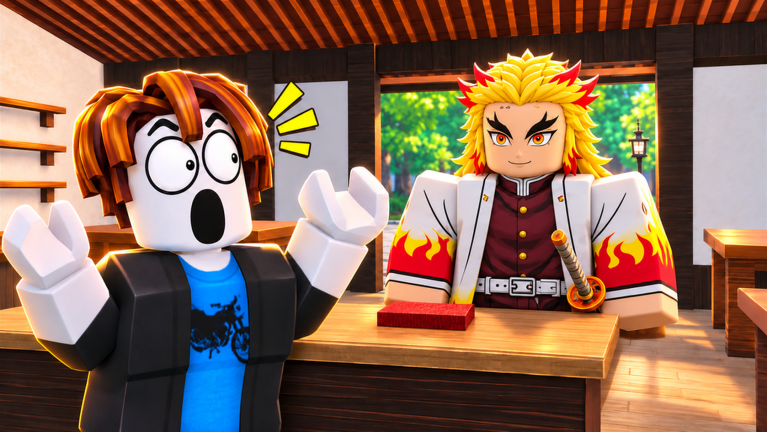
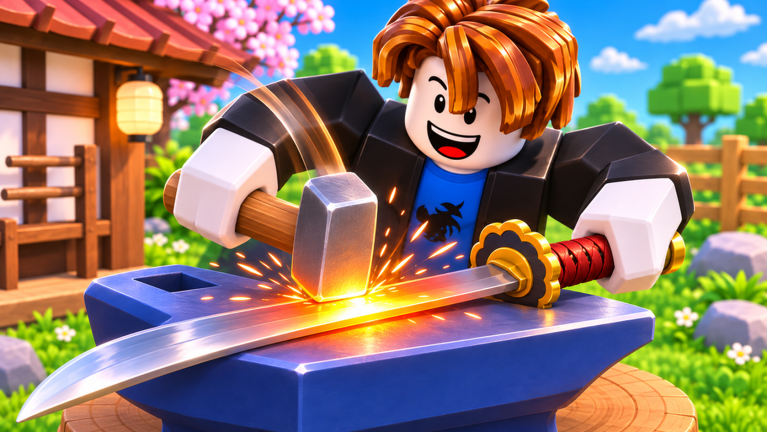
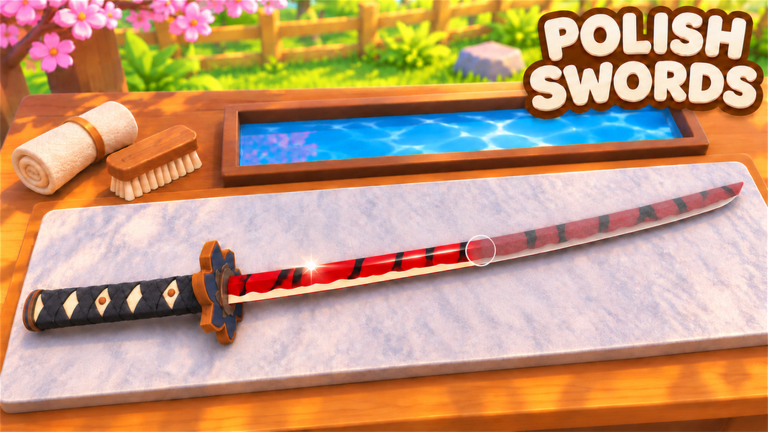
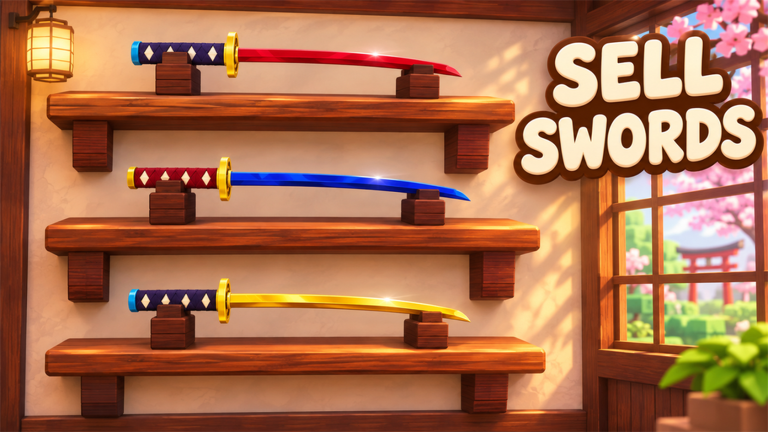
Upcoming and recent events
- Upcoming THANKSGIVING: LIMITED TIME SWORD (Nov 26, 2026)
A turkey hilt sword is here for Thanksgiving weekend! Finish the Harvest Feast quests in your Book (forge 5 swords, sell 10 and fill a mail order) to learn the Gobbler sword! Forge it in any metal and it's yours to keep - Upcoming [UPD3] Masterworks!: + Vault reworks! (Dec 4, 2026)
- Reworked Vault and new Masterworks system. - Sword training with Sharpness, Temper, and Balance stats. - Three Masterwork stars, with one trait revealed per star. - Sword merging at the new floating-blade altar. - Trai
Events are announced by the developer on Roblox.
Similar games
 Build an Office3,124 playing now
 My Dino Empire1,505 playing now
Trending: +15% players in 24h
 Build a Keyboard4,164 playing now
 Run a Christmas Tree Lot5,052 playing now
Latest changes
FAQ
Are there any Create Swords codes?
Yes. As of Nov 29, 2026 there are 3 working codes: THANKSGIVING, SWORDS, 1KCCU.
How do I redeem Create Swords codes?
Open the game, find the Codes button, type the code exactly and press Redeem.
Do I need to play with other people?
No. Servers hold up to 6 players, but you can run your sword empire solo.
How do I get gems?
You earn gems from letters, mail orders and cart deliveries. The 2x Gems pass doubles your earnings if you want to speed it up.
Can I automate everything?
Mostly, yes. Several passes let your machines run on their own, though you can still craft by hand anytime you want.
Rising now
- Livetopia RP · 6,431 playing · new
- Jujutsu Ragdoll Sandbox · 6,421 playing · new
- mymy clicker · 6,152 playing · new
- Fearing Gorilla · 6,053 playing · new
- President Simulator · 6,021 playing · new
- My Candy Business · 5,578 playing · new